.
 TECHOTUESDAY
Resources & Articles
Tech Made Simple
Practical guides for everyday people and small businesses in Chicagoland. No jargon, no upsells, just useful information.

Smart Home 101: Getting Started Without the Overwhelm
Where to start, what to buy first, and the one thing most people skip that makes everything else work better.
Wi-Fi 101: Why Your Home Network Is Either Your Best Friend or Your Biggest Headache
From your ISP's box to mesh systems to real access points. Everything you need to know about building a network that actually works.
AI Intake for a 4-Attorney Personal Injury Firm
A real walkthrough of how I built an AI intake system for a small law firm that was losing leads after hours. Phone, web forms, and email now captured and booked automatically in 4 seconds.
Coming Soon
More guides on the way
Smart Home 101: Getting started without the overwhelm.
A no-pressure guide to picking the right foundation. Three questions, six devices that matter, and what to avoid.
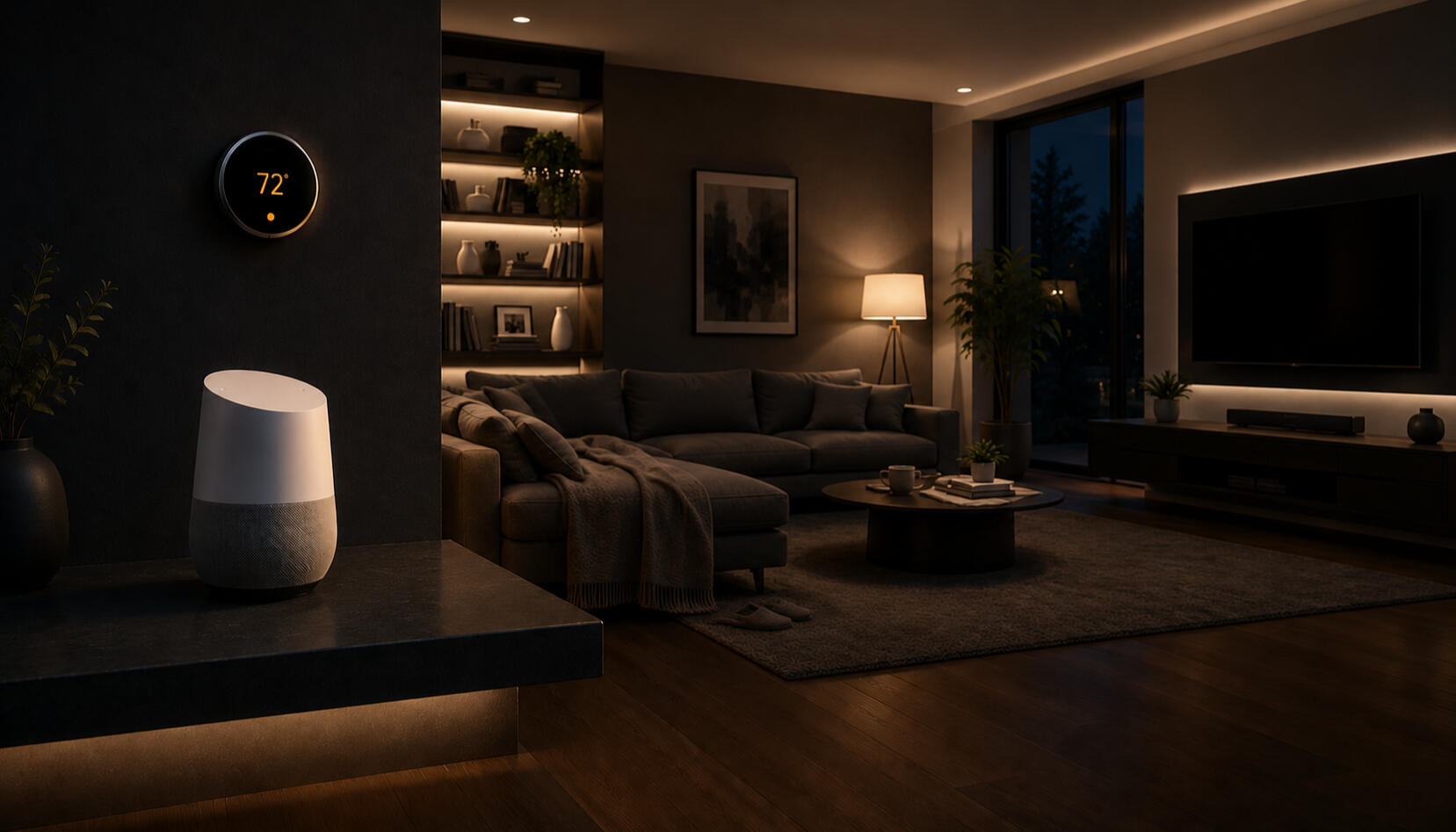
You have probably heard the term "smart home" thrown around so much it is starting to feel like a buzzword. And if you have ever stood in a Best Buy aisle staring at a wall of smart bulbs, thermostats, and doorbells, wondering where on earth to start, you are not alone.
The good news? Building a smart home does not require a computer science degree, a big budget, or ripping out your walls. It requires a plan, a little patience, and knowing which questions to ask before you buy anything.
What actually makes a home "smart"?
At its core, a smart home is simply a home where devices can be controlled remotely, automated based on conditions, or made to work together. The magic is not in any single device. It is in how they connect and communicate. And that is where most people run into trouble.
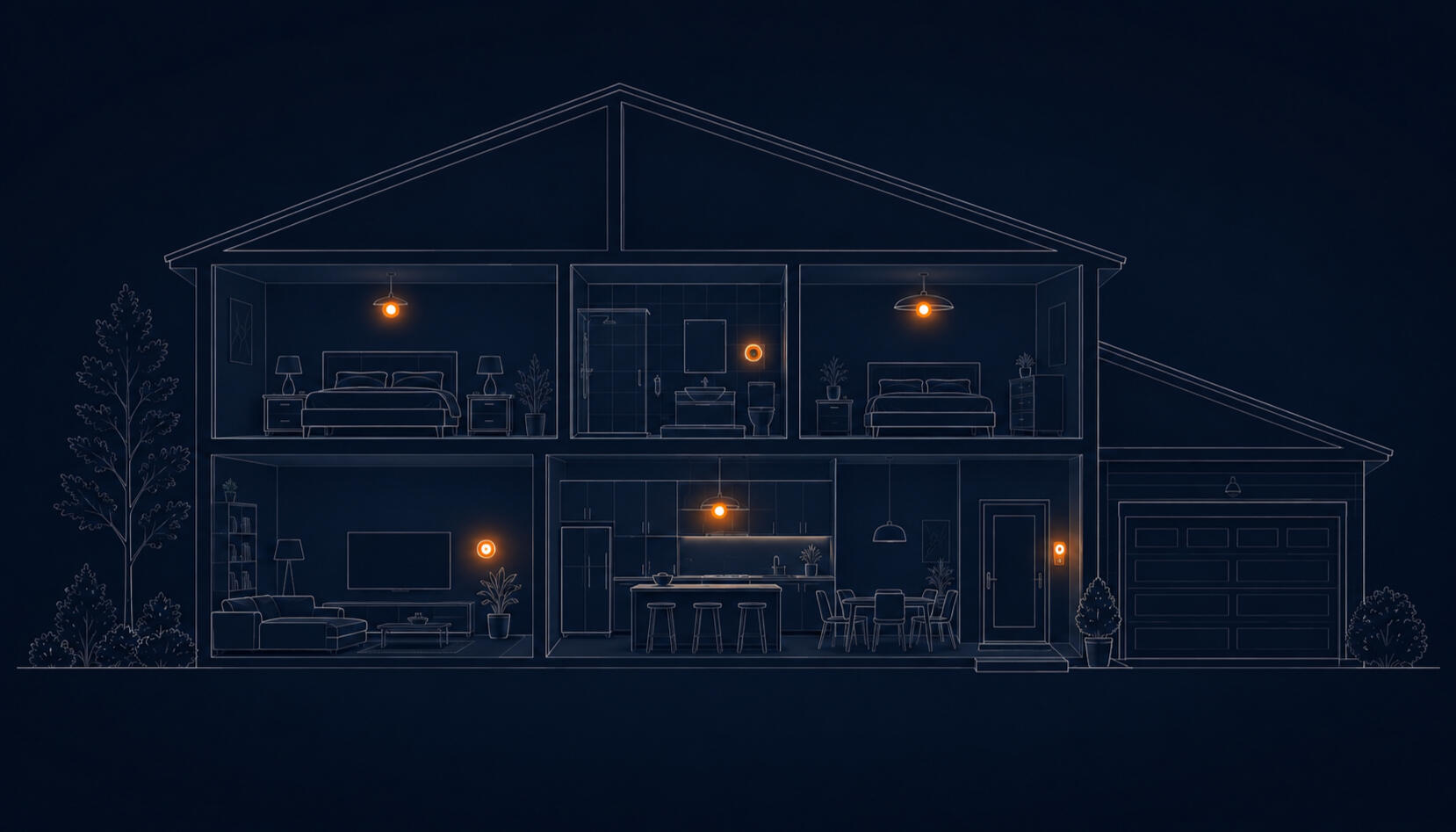
Remote controlYour lights turn off when you leave home, even if you forgot.
AutomationYour thermostat learns your schedule and adjusts itself.
ConnectionYour doorbell shows you who is there from anywhere in the world.
This is what "smart" actually feels like.
One tap, four devices. This is the kind of routine you set up once and use every night. Try it below, tap the button on the phone.
That is the magic. You did not control four devices. You expressed an intention, "bedtime", and the home translated it into the right state for every device. That is what people mean when they say "smart" home.
No phone required.
Smart homes are not phone-first. Once your speaker is set up, you just talk. Pick a phrase below and see how the same home responds to spoken commands.
Pick your smart home foundation.
Three questions, one honest match. The answer guides every device choice you make from here.
Not sure where to start?
If your match feels close but not quite right, or you want a second opinion before buying anything, reach out. No pressure, no upsells.
Most smart homes fail before they start.
It happens in checkout: you buy three devices that look great individually and end up with three apps that hate each other.
They buy first and plan later.
A smart bulb here, a smart plug there, a video doorbell from a YouTube recommendation, and suddenly you have five apps on your phone, three voice assistants arguing with each other, and nothing working the way you imagined.
The most important thing you can do before buying a single device is choose your ecosystem, the platform everything will live on.
Apple Home: best for iPhone and Mac households. Prioritizes privacy and local control.
Google Home: great cross-platform option, integrates naturally with Google services and Android.
Amazon Alexa: widest device compatibility at typically lower price points. Easy entry, easy to grow.
Pick one and stick to it. Mixing ecosystems is where things get complicated fast.
Professional platforms like Control4, Crestron, AMX, and RTI exist for whole-home automation. Higher cost, requires professional installation. For most homeowners, the three consumer platforms above are the right starting point.
Beto's take: Most homes I help fix made this exact mistake. Matter, the new universal standard, is slowly making mixed ecosystems less painful, but planning still beats fixing every time.
Six devices, in this order.
You do not need everything at once. These are the six categories I recommend in the order most people get the most value.
Smart Speaker
A voice assistant that controls everything else by voice and acts as your ecosystem anchor.
Start here because it sets your ecosystem and works on its own from day one.
Smart Lighting
Bulbs and switches that respond to schedules, voice, and motion. The most-used smart feature in any home.
Inexpensive, fast to install, and immediately useful every single day.
Smart Thermostat
Learns your schedule, adjusts when you're away, and cuts your heating and cooling bill.
Pays for itself in energy savings, often within a single year.
Video Doorbell
See and talk to whoever is at your door from anywhere. Captures package deliveries and visitors.
The smart device most homeowners say they would never give up.
Smart Video
Indoor and outdoor cameras with motion alerts, two-way audio, and recorded clips you can review from anywhere.
Peace of mind when you're away. Catches package theft, checks on pets, and keeps an eye on what matters.
Smart Locks
Unlock with your phone, fingerprint, or a code. Let guests in remotely. No more hiding spare keys.
Once you stop carrying keys, you never want to go back.
Your Wi-Fi is the foundation. Period.
No smart home device works well on a bad Wi-Fi network. If your router is more than three years old or struggling to reach key rooms, your smart home will frustrate you regardless of what you spend. Before buying smart home gear, invest in your network first.
Wi-Fi 101: Building a Network That Just Works
How to pick the right router, when to upgrade, and what mesh actually fixes.
Quick security basics.
Four things to do once your smart home is set up. None of them take more than ten minutes.
There is a whole stack past "getting started."
Everything above is enough to build a smart home you will love. But if you catch the bug, you will start hearing these six terms. You do not need to learn them yet, but here is the lay of the land so the words do not feel like a wall.
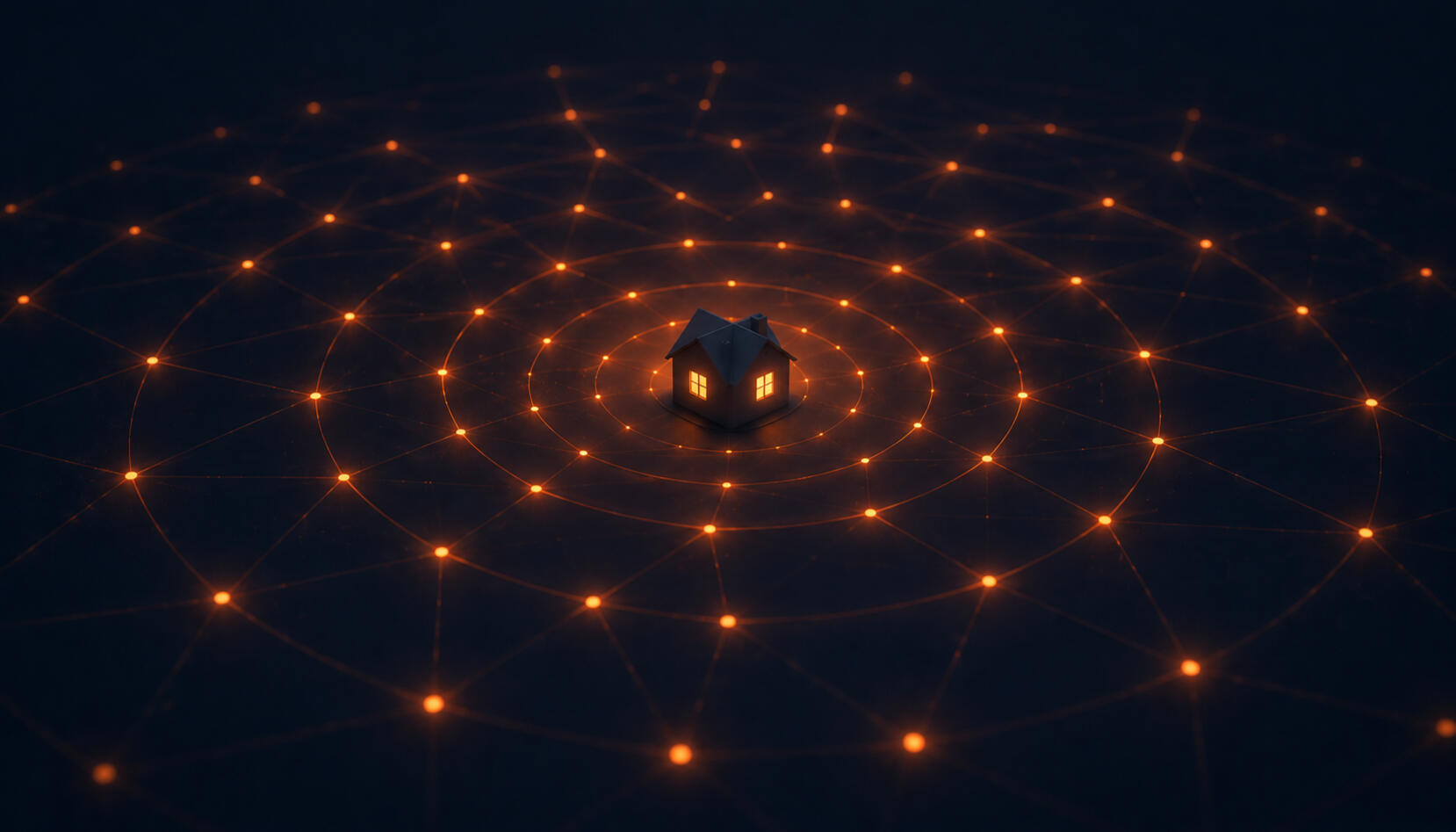

Zigbee
Low-power mesh network. The original smart-home backbone.
Z-Wave
Reliable, interference-free radio. Big with door locks and sensors.
Thread
Modern, low-latency mesh. The wire under most new Matter devices.
Matter
The universal language. Lets devices from any brand talk to each other.
Hubitat
Plug-and-play local hub. No cloud required, works when internet is down.
Home Assistant
Open-source automation. Endlessly customizable, the enthusiast favorite.
Zigbee vs Z-Wave vs Thread, and why Matter changes everything.
Ask me about going deeper.
You do not have to figure this out alone.
No fluff. No upsells. Just what I'd tell a friend asking where to start.
At Techo Tuesday, I help homeowners and small businesses across Tinley Park and the Chicagoland area design and enjoy their smart home technology.
Every project starts with a free 30-minute consultation. No pressure, no upsells, just honest advice tailored to your home and budget.

Beto Salgado
Senior Product Manager and technology professional with experience helping federal agencies, enterprises, and startups launch technology. Founded Techo Tuesday to bring that expertise directly to homes and small businesses across Chicagoland.
"Because every day should feel like a Techo Tuesday."Beto

You plugged it in once, it worked, and then you forgot about it. Then your video calls started dropping. Your doorbell went offline. The Wi-Fi in the back bedroom turned to nothing. The first thing everyone does is call their ISP and ask for faster internet. But internet speed is almost never the problem. Your network is.
This guide walks you through every layer of a modern home network: from the box your ISP shipped you, to the gear that actually solves the problem.
The box your ISP gave you is holding you back
Your Internet Service Provider (ISP) ships you a gateway that bundles a modem, router, and Wi-Fi radio into one unit. Here is what that actually means for your home network.
Fine for renters and small households with no frills. But buying your own modem and router pays for itself in under a year - with better performance and full control.
The right setup for most homeowners. A DOCSIS 3.1 modem runs $80–$120, pays for itself in under a year, and gives you full control over your network.
DOCSIS: the number on your modem actually matters
Your modem version sets the ceiling for what speeds your connection can ever reach, regardless of what speed tier you pay for.
Which setup is right for your home?
Not every home needs the same solution. Here are the four tiers of home networking, what each one costs, and the honest tradeoffs of each.
Ethernet or Wi-Fi? Here is when it actually matters.
Wi-Fi is convenient, but a physical cable will always win on speed, latency, and reliability. The question is not which one is better. It is knowing which devices benefit enough to be worth the cable.
If the device does not move, plug it in. If it moves or runs on a battery, Wi-Fi is the right answer. The one exception is a laptop at a fixed desk, where a USB-C Ethernet adapter is worth every penny.
What connection does each device actually need?
Not every device needs the same treatment. Here is a practical breakdown of the most common home network use cases and the right setup for each.
Latency is everything. A 20ms spike on Wi-Fi does not sound like much until it costs you a match. Ethernet eliminates that entirely. If you must use Wi-Fi, 5GHz or 6GHz on a Wi-Fi 6 router makes a real difference. Keep gaming off the congested 2.4GHz band.
Netflix 4K needs about 25 Mbps sustained. Most smart TVs in the living room are close enough for 5GHz to work well. If you are getting buffering or quality drops, run an Ethernet cable to the TV or streaming box and the problem goes away completely.
Zoom and Teams are not bandwidth-heavy, but they are sensitive to jitter. A Wi-Fi hiccup freezes your video mid-sentence. If you work from a fixed desk, an inexpensive USB-C Ethernet adapter is one of the best investments you can make for your home office.
Bulbs, plugs, locks, sensors, and thermostats send tiny packets and need range more than speed. Put them on 2.4GHz. On a quality router or mesh system, put IoT devices on a guest network or separate VLAN so they cannot communicate with your computers and phones.
Wireless cameras miss footage when the connection drops. Power over Ethernet (PoE) cameras are the professional answer: one cable handles both power and data, no Wi-Fi required. If cabling is not possible, 2.4GHz gives better range through walls for outdoor placement.
Scrolling social media, watching YouTube, checking email, video calls on your phone - any modern Wi-Fi band handles this easily. Use 5GHz when you are near the router. Use 2.4GHz when you are further away. You will not notice the difference on a phone screen.
Setting up a new home network? Start by identifying your wired devices first: gaming setup, desktop, smart TV, home office. Run Ethernet to those. Everything else connects wirelessly. This simple split keeps your bandwidth available for the devices that need it most.
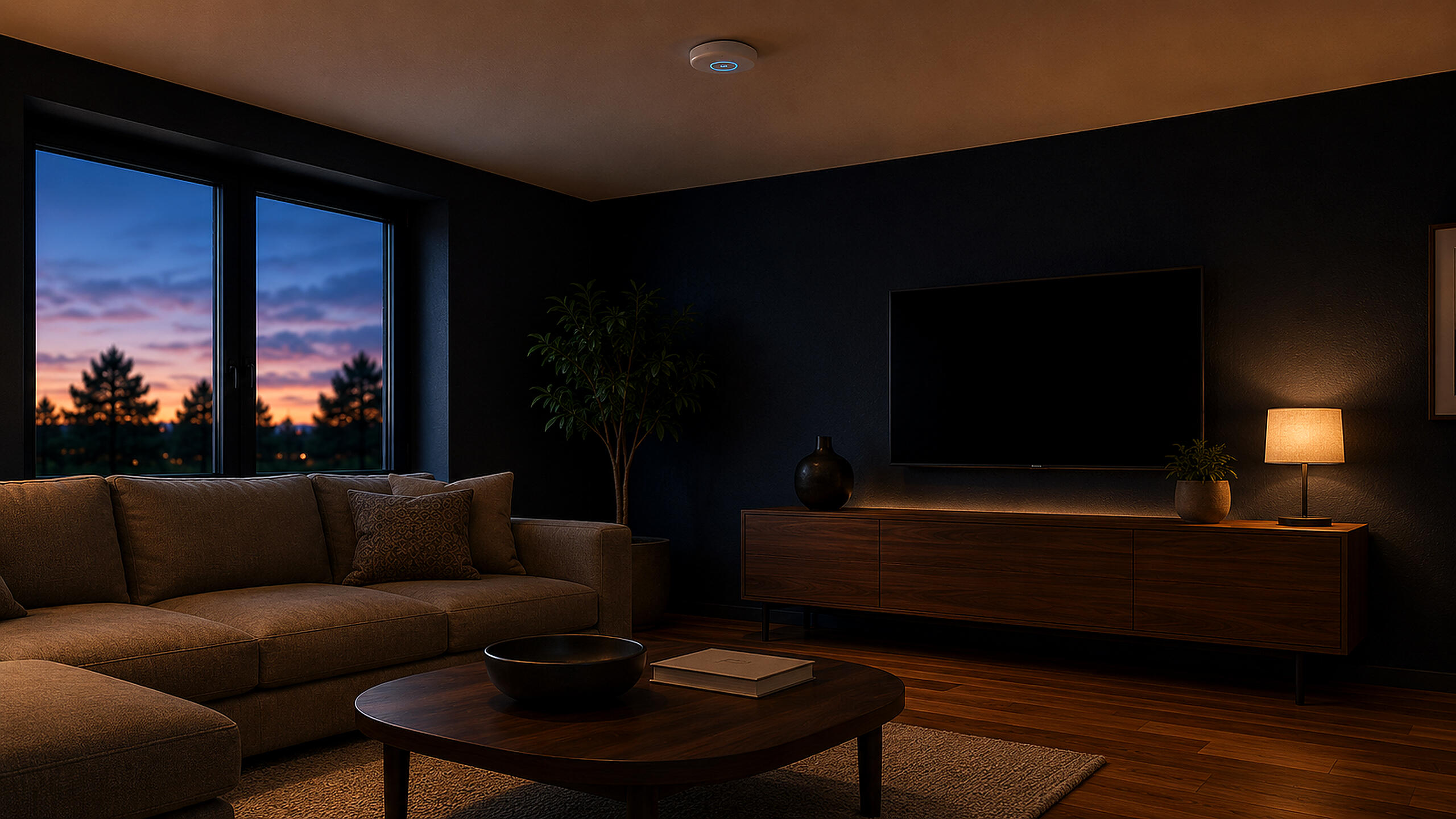
Where you put your router matters more than you think.
Most Wi-Fi problems are not hardware problems. They are placement problems. A router in the wrong spot will underperform even if you paid a lot for it.
Signal radiates in all directions. A corner placement wastes half your signal broadcasting into exterior walls.
Wi-Fi radiates outward and slightly downward. A router on a high shelf covers more floor area than one on the ground.
Microwaves and cordless phones broadcast on 2.4GHz. Keep the router at least 3 feet away from these appliances.
Multi-story home? Place the router on the middle floor, not the basement. Signal travels through floors the same way it travels through walls - the closer to center, the more even the coverage above and below.
Wi-Fi acting up? Start here.
Most Wi-Fi problems fall into one of four categories. Tap the symptom that matches and work through the steps in order.
Restart the router. Unplug it, wait 30 seconds, plug it back in. This resolves the majority of random disconnect issues caused by memory leaks in router firmware.
Check for overheating. Routers placed in enclosed spaces overheat and throttle. Give it open airflow and keep it away from other electronics.
Update the firmware. Log into your router admin panel (usually 192.168.1.1) and check for firmware updates. Outdated firmware is a common cause of instability.
Check the ISP signal. If the router seems fine, the issue may be your modem or the line from the street. Call your ISP and ask them to check signal levels at the modem.
Reposition the router first. Move it closer to the center of your home. A single placement change can eliminate dead zones without buying anything new.
Switch to 2.4GHz in that room. Your device may be holding onto a weak 5GHz connection from far away. Force it to 2.4GHz for better range at the cost of some speed.
Consider a mesh node. If repositioning does not help, that room needs its own access point. A single mesh node in the dead zone outperforms any range extender.
Test with a cable first. Plug directly into the modem with Ethernet and run a speed test at fast.com. If wired is slow, the issue is your ISP or modem. If wired is fast and Wi-Fi is slow, the issue is the router or placement.
Check the modem DOCSIS version. A DOCSIS 3.0 modem can bottleneck speeds on plans above 300 Mbps. If it came from your ISP and is over 4 years old, ask about a newer model.
Check Wi-Fi band congestion. In dense buildings, 2.4GHz can be saturated by neighbor networks. Switch to 5GHz or change your router channel manually to 1, 6, or 11.
Forget and reconnect the network. On the device, remove the saved Wi-Fi network and reconnect fresh. Corrupted network profiles cause persistent issues that look like router problems.
Check for IP address conflicts. If two devices share the same IP, one or both will lose connectivity. Set the device to use DHCP (automatic IP) in your network settings.
Update drivers or OS. On Windows laptops especially, outdated Wi-Fi drivers cause unreliable connections that have nothing to do with your router.
Still stuck after all of this? The next step is a site survey - a physical walkthrough with signal testing equipment. This is exactly what Techo Tuesday does for homes and small businesses in Chicagoland. Reach out and we can take a look.
Most Wi-Fi problems trace back to the same few places: an outdated gateway from your ISP, a setup that was never designed for your home's actual layout, or hardware that has been running since 2017 and never touched. Now you know what to look for.
If you want to talk through what makes sense for your specific home, reach out to Techo Tuesday. This is exactly the kind of problem we solve for homeowners in the Chicagoland area, and it usually takes one conversation to figure out the right path.
2026 Techo Tuesday All Right Reserved